App Maintenance
& Support
Keep your iOS, Android and cross-platform apps secure, stable and up to date with proactive maintenance, performance monitoring, bug fixes and ongoing development support.
Get StartedBook Consultation

Debugging
Upgrades
Patching
Monitoring
Optimization
Trusted by Businesses Worldwide





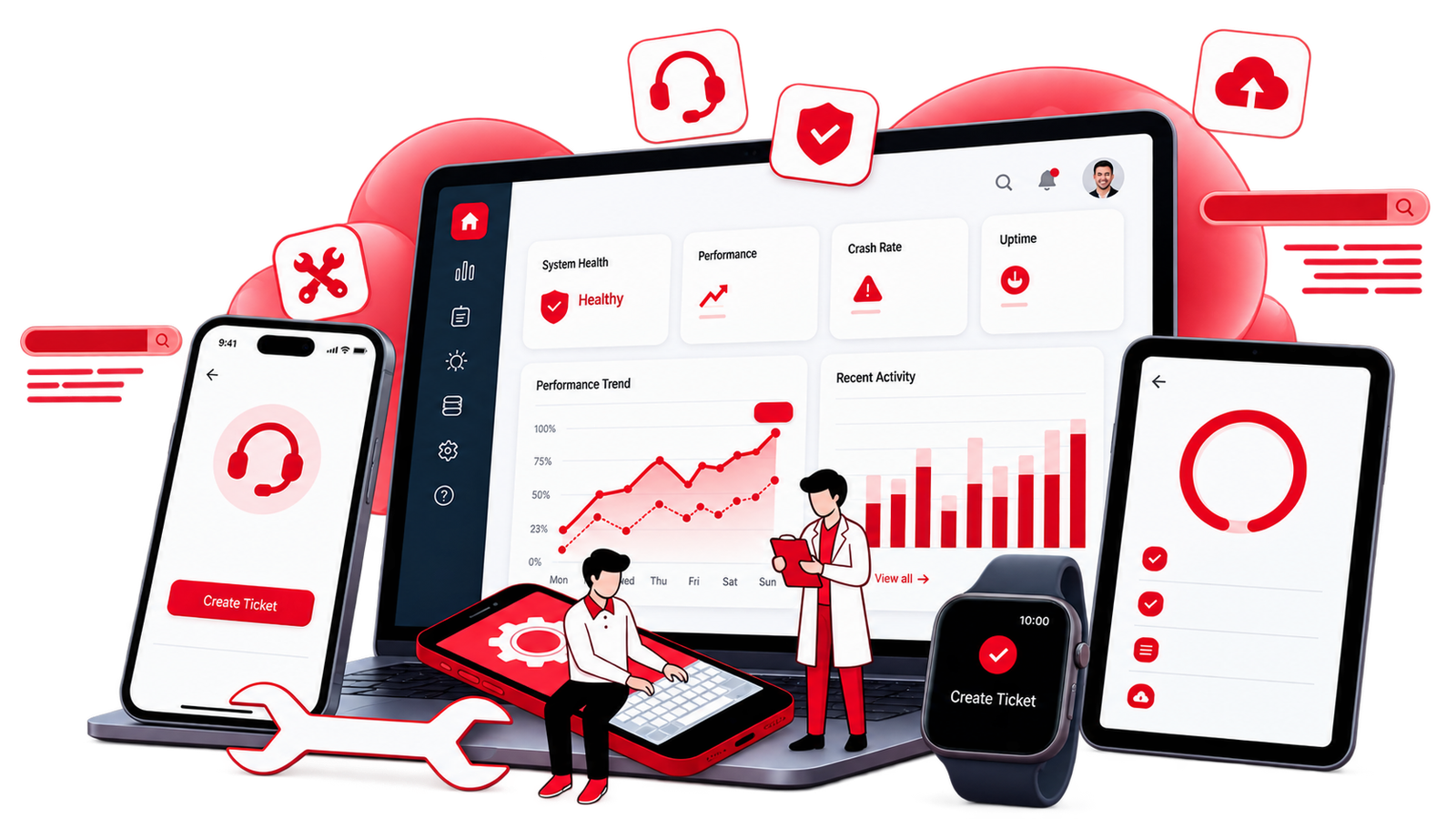
Live Apps Need Ongoing Care
Launch day is just the start. We maintain production apps across native and cross-platform stacks—whether we built them or you're handing off an existing codebase.

iOS App Maintenance
Swift and SwiftUI updates, iOS version compatibility, TestFlight builds, App Store releases, and crash resolution for live iPhone and iPad apps.

Android App Maintenance
Kotlin and Jetpack updates, target SDK compliance, Play Console releases, device fragmentation testing, and ongoing bug fixes.

Cross-Platform & PWA
React Native, Flutter, and PWA upkeep—dependency updates, store wrapper releases, and web app monitoring for hybrid products.
Proactive, Not Reactive
Maintain Your App Before Problems Reach Users
OS & Platform Updates
Test and update your application as Apple, Google and other platforms introduce new versions and requirements.
Crash Monitoring & Resolution
Monitor application errors, identify high-impact issues and deliver fixes systematically.
Store Compliance & Release Management
Handle relevant App Store and Google Play requirements, release preparation, metadata and updates.
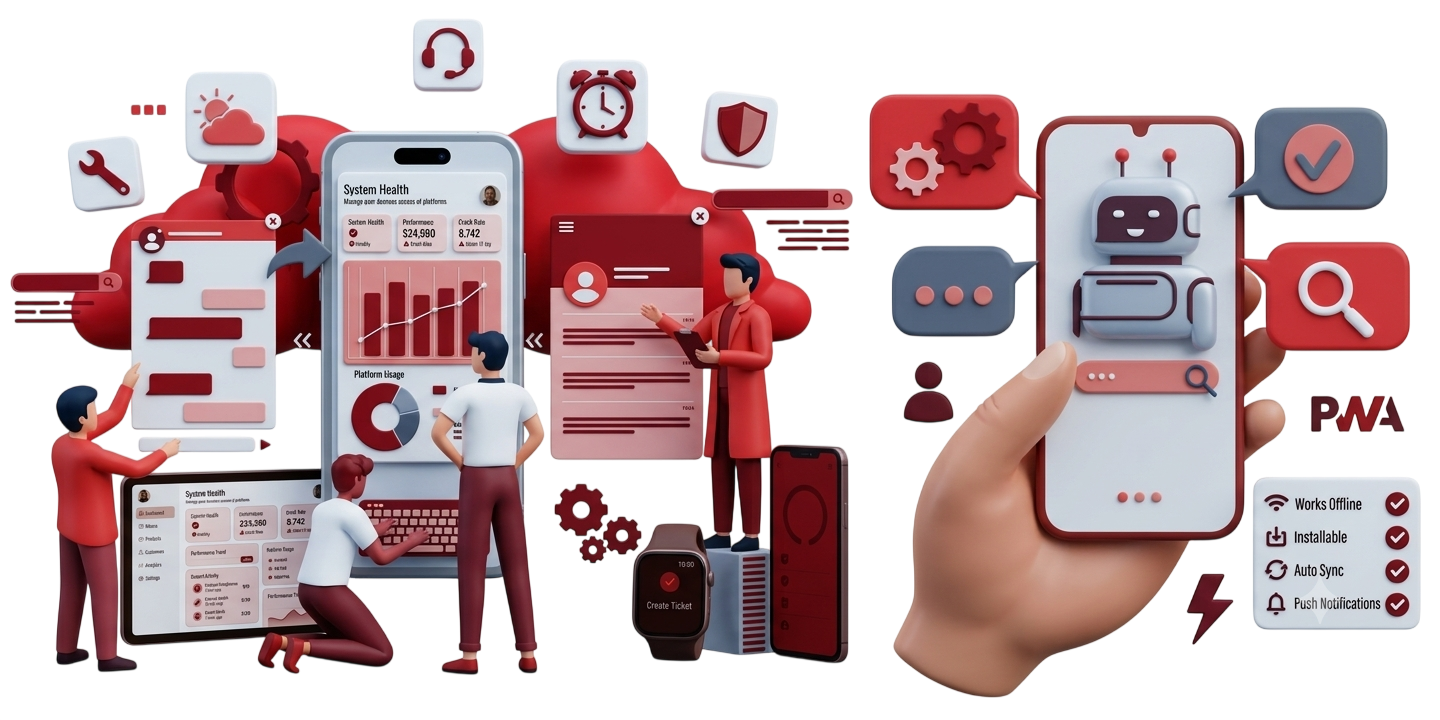
Feature Improvements
Go beyond bug fixes with new screens, API changes, UX improvements and incremental product enhancements.
What's Included in App Care
Support for the Technical Issues That Appear After Launch

Health & Performance Monitoring
Track application health, errors, API availability and release performance.

Security & Dependency Updates
Keep SDKs, libraries, certificates and dependencies current and tested.
Bug Fixes & Troubleshooting
Investigate production issues and implement reliable fixes.

Backend & API Support
Address API changes and integration issues that affect the mobile application.

Store Releases
Prepare and manage application releases across the required platforms.

Ongoing Development
Add features and improvements without requiring a complete rebuild.
Support For
Different Mobile Products. One Technical Partner.
Native iOS Apps
Swift, SwiftUI and UIKit applications.
Native Android Apps
Kotlin and modern Android applications.
React Native Apps
Cross-platform applications with shared codebases.
Flutter Apps
Multi-platform applications requiring ongoing development and maintenance.
Progressive Web Apps
Web applications requiring performance, compatibility and feature support.
App Maintenance Process
A Structured Approach to Ongoing Support
Step 1
Audit the Codebase
Review the application, dependencies, architecture and current technical issues.
Step 2
Stabilize
Address critical bugs, compatibility issues and immediate risks.
Step 3
Maintain
Manage updates, monitoring, releases and recurring technical requirements.
Step 4
Improve
Deliver new features, performance improvements and UX enhancements.
Step 5
Support Long Term
Continue evolving the application as your product and platform requirements change.
Related App Services

Cross-Platform & PWA Development
Build applications across mobile and web from a shared development approach.
Explore Cross-Platform DevelopmentDedicated Developers
Add dedicated mobile or full-stack development capacity to your team.
Explore Dedicated Developers
Do you maintain apps you did not build?
Yes. We can review an existing codebase and take over ongoing maintenance and development.
What does mobile app maintenance include?
Depending on the application, maintenance can include OS updates, dependency updates, bug fixes, crash monitoring, security updates, store releases, performance improvements and new features.
Can you maintain both iOS and Android apps?
Yes. We can support native iOS, native Android and cross-platform applications.
Can you handle App Store and Google Play updates?
Yes. We can support release preparation, platform requirements and ongoing store updates.
Do you provide emergency app support?
Critical production issues can be assessed and addressed based on the application’s requirements and support arrangement.
Can maintenance include new feature development?
Yes. Ongoing app support can include new features, API changes, UX improvements and other product enhancements.
Can you work with our existing development team?
Yes. Our developers can work alongside your internal developers, product team, designers and technical leads.
Is Your Mobile App Becoming Difficult to Maintain?
Let our development team take care of updates, bugs, compatibility, performance and ongoing improvements.