UI/UX & Figma to App
From wireframes and Figma prototypes to production-ready mobile apps—design and development under one roof, so what you approve is what users get.
Get StartedBook Consultation
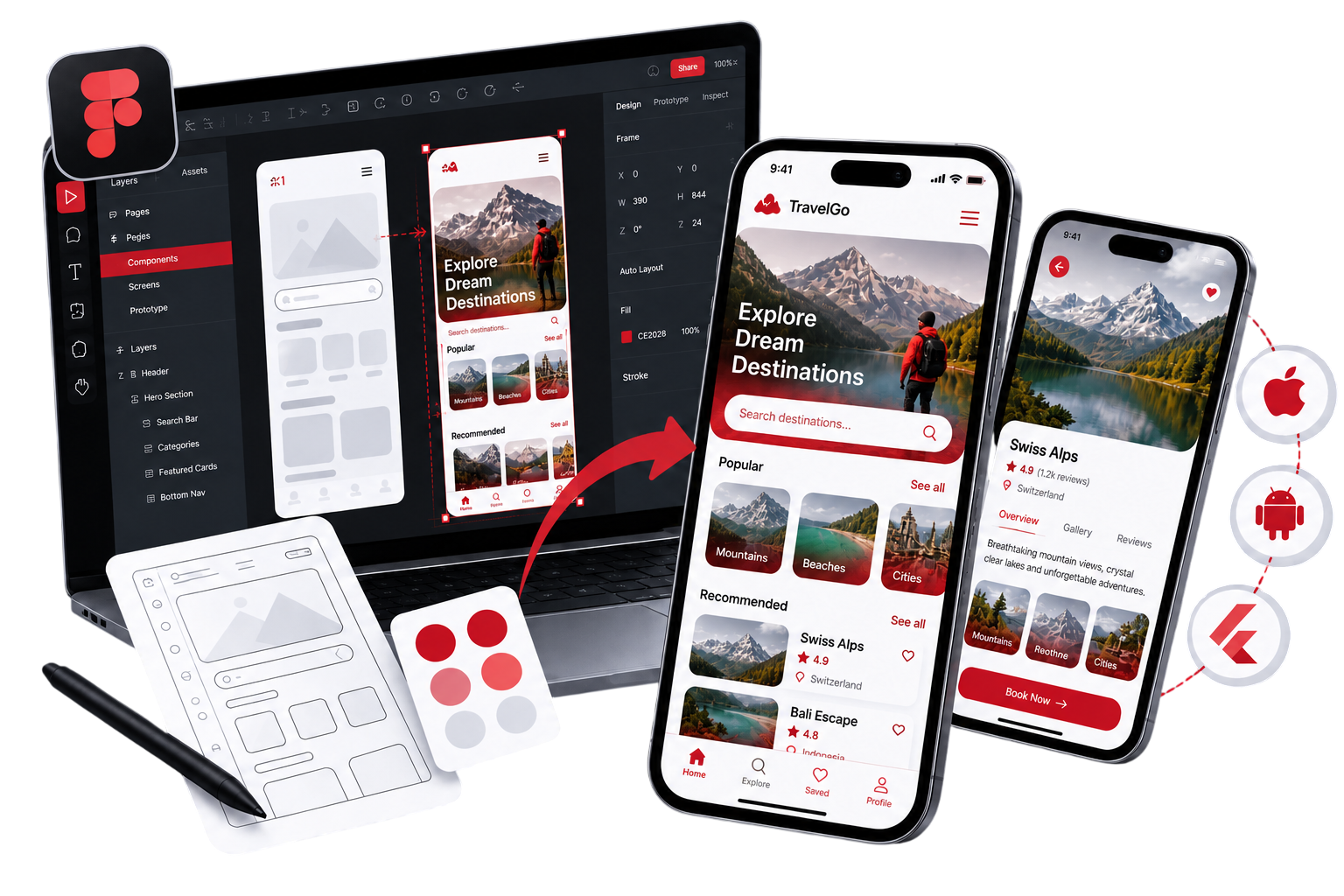
Design-to-code delivery
15+ yrs
Figma to iOS, Android & Flutter
End-to-end
Design QA on real devices
Pixel-close
Trusted by Businesses Worldwide






Design That Ships, Not Just Sits in Figma
Whether you have finished Figma files or need UX from scratch—we design and build mobile experiences that developers can implement accurately and users actually enjoy.

UI/UX Design
User flows, wireframes, and high-fidelity screens for iOS, Android, and cross-platform apps—grounded in platform conventions and your product goals.

Figma Prototyping
Interactive Figma prototypes to validate navigation, onboarding, and key flows before a single line of production code is written.

Figma to App Build
Pixel-accurate implementation in SwiftUI, Jetpack Compose, React Native, or Flutter—the same team that designed it writes the code.
From Sketch to Store-Ready
Wireframes before pixels
We map user journeys and screen structure first—so design decisions are about flow and usability, not decoration. You approve the logic before we invest in visual polish.
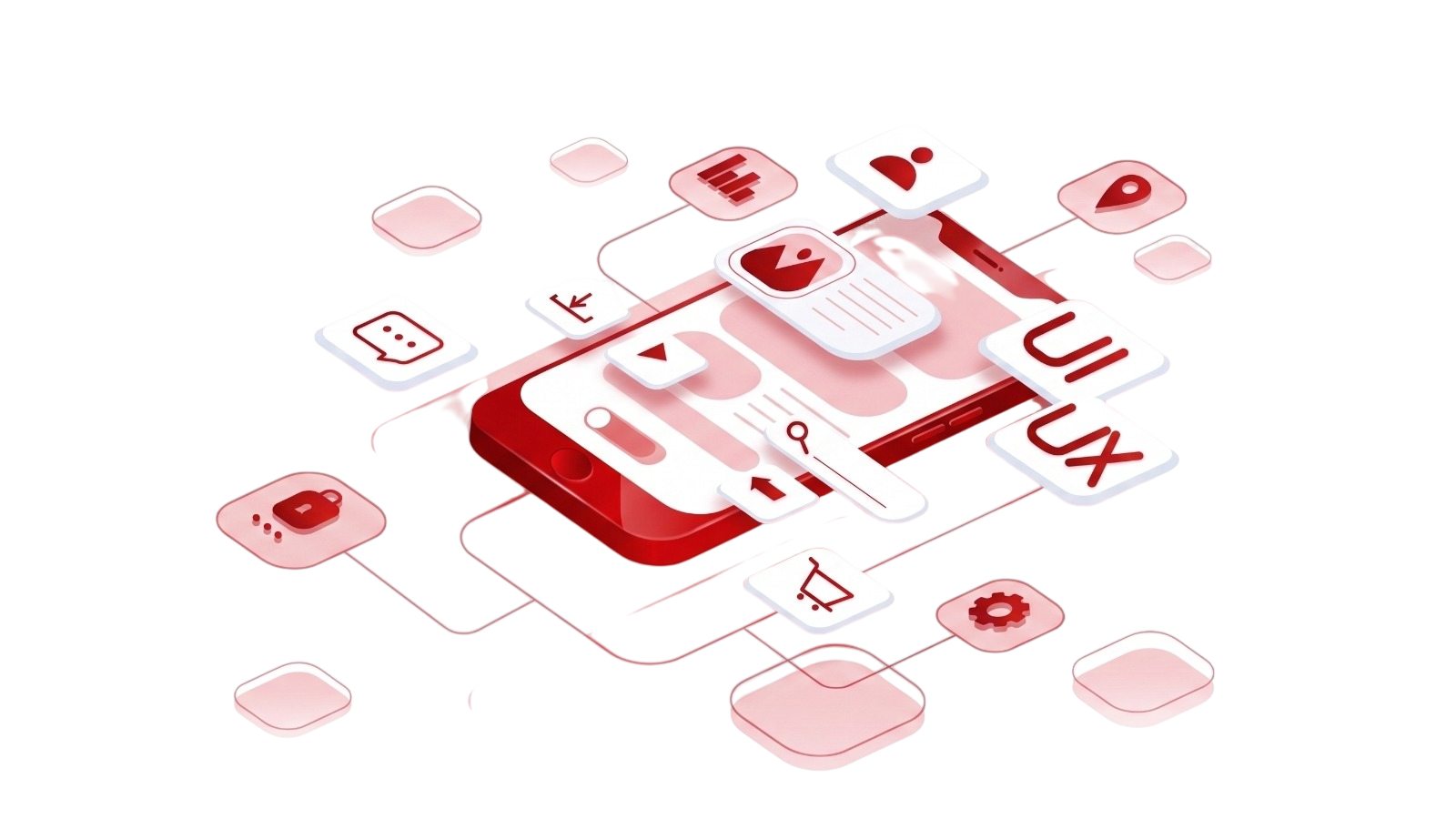

Design systems that scale
Reusable components, typography, spacing, and color tokens in Figma—so new screens stay consistent and developers aren't guessing at margins or hex values.
Developer-ready Figma handoff
Organised files, named layers, component specs, and export assets—structured so implementation matches design without endless back-and-forth on spacing and states.
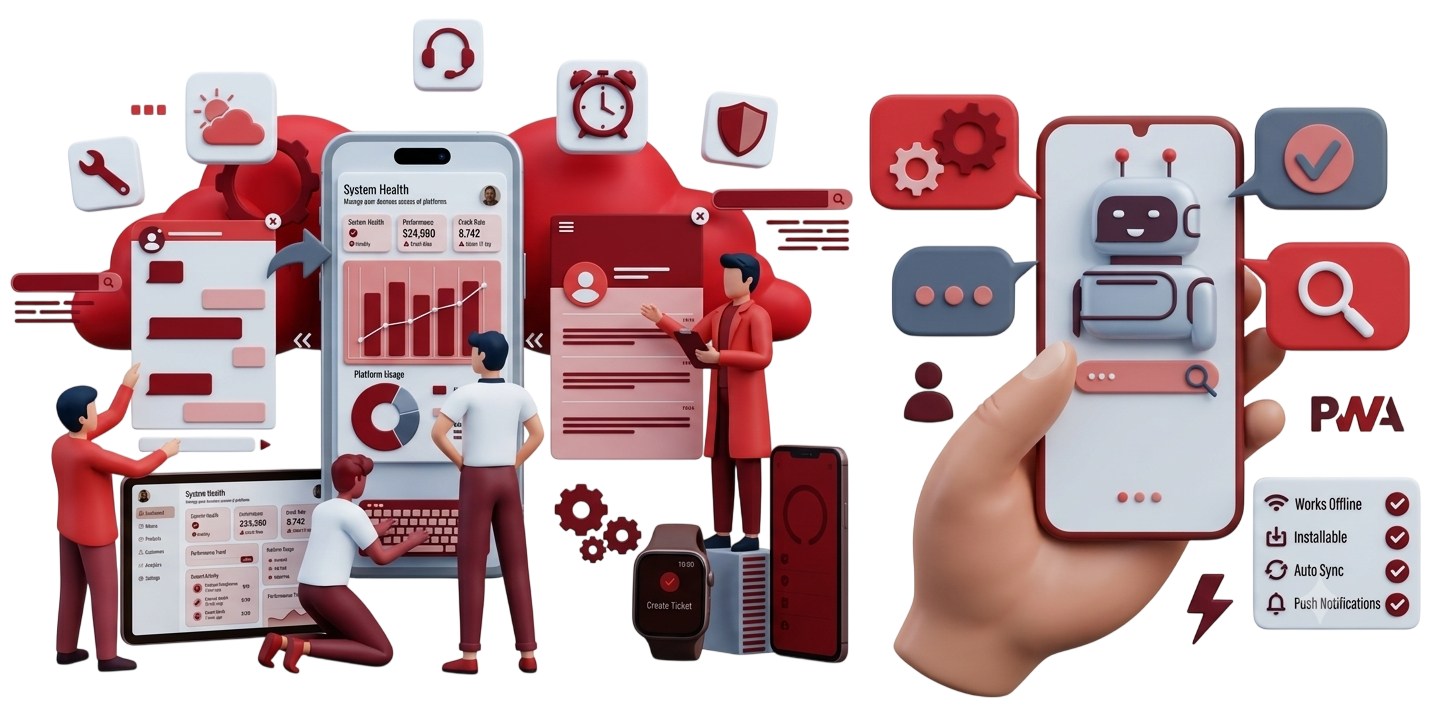

Design QA on real devices
We compare built screens against Figma on actual iPhones and Android devices—catching the subtle differences that simulators miss before your users do.
What a strong Figma handoff includes
Good app design isn't just beautiful screens—it's a file structure and spec level that makes accurate development inevitable, not accidental.

Component libraries
Data safety forms, permissions rationale, and UX patterns aligned with Google Play requirements.

Spacing & typography specs
Consistent type scale and layout grid aligned to iOS, Material, or your cross-platform framework.

Asset export & icons
SVG and density-specific exports ready for Xcode, Android Studio, or Flutter asset folders.

Interactive prototypes
Clickable flows for stakeholder review and user testing before development starts.
Design & Build Stack
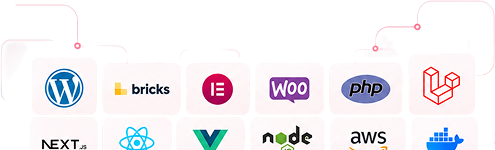
Figma for design and prototyping—paired with the native and cross-platform frameworks we implement in production.
Figma

FigJam

SwiftUI

Jetpack Compose

React Native

Flutter

Design Tokens

Design QA
From Figma file to live app
A connected design and development process—no throw-it-over-the-wall handoffs.
Step 1
Discover & wireframe
Map users, flows, and screen inventory. Low-fidelity wireframes for alignment before visual design.
Step 2
Design in Figma
High-fidelity UI, component library, and interactive prototype for review and testing.
Step 3
Build & design QA
Implement approved screens in code, then compare side-by-side with Figma on real devices.
Step 4
Iterate & ship
Refine based on feedback, prepare store assets, and release with design consistency intact.
App Success Story

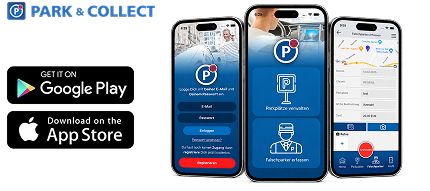
Park & Collect
Complete app redesign
Redesigned onboarding flow
iOS & Android UI refresh
UI/UX & Figma to App · Germany
Client: Park & Collect (AppGrade UG)
Client: Park & Collect (AppGrade UG)
Park Collect Pro serves over 100,000 users reporting wrongful parking across Germany—a high-stakes product where confusing UX directly hurts adoption and trust.
We delivered a complete redesign of the native app experience, including optimised onboarding, clearer case detail views, and a parking-space verification flow—designed in Figma and implemented across iOS and Android for simultaneous store release.
The result is a cleaner, faster interface that matches how property owners actually use the app in the field—not how it looked in a first-version MVP years ago.

Do you only implement existing Figma files?
No. We offer full UI/UX design in Figma, design-only engagements, or Figma-to-code builds from your existing files. Most clients prefer the combined design-and-build path so handoff friction disappears.
Can you match Figma designs pixel-perfectly?
We aim for pixel-close implementation with design QA on real devices. Platform conventions sometimes require minor adaptations—for example, iOS navigation patterns or Android Material components—but we flag those early, not after launch.
Do you design for both iOS and Android?
Yes. We design with platform guidelines in mind—Human Interface Guidelines for iOS and Material Design for Android—while keeping your brand consistent across both.
What if we already have a design agency?
We regularly implement Figma files from external design partners. We can audit files for developer readiness, flag gaps, and build to spec—with design QA to confirm fidelity.
Do you offer white-label design for agencies?
Yes. Agencies partner with us for Figma design and app implementation under their brand—with clean file handoffs and NDA-protected workflows.