iOS App Development
Build native iPhone and iPad apps with Swift and SwiftUI—designed for performance, polished UX, secure integrations and a smooth path to the App Store.
Get StartedBook Consultation

Swift
App Store
SwiftUI
Xcode
TestFlight
Trusted by Businesses Worldwide






iOS Apps for Every Use Case
Build an iOS App Around How Your Users Work

Consumer Apps
Polished iPhone and iPad experiences with onboarding, payments, notifications and intuitive user journeys.

Business & Internal Apps
Secure field tools, dashboards and workflow applications built for teams that need reliable mobile access.

Companion & Connected Apps
Extend your website, SaaS product or connected hardware with an iOS application integrated with your existing backend.
Built for iOS, Built to Last
Interfaces That Feel Native on iPhone & iPad
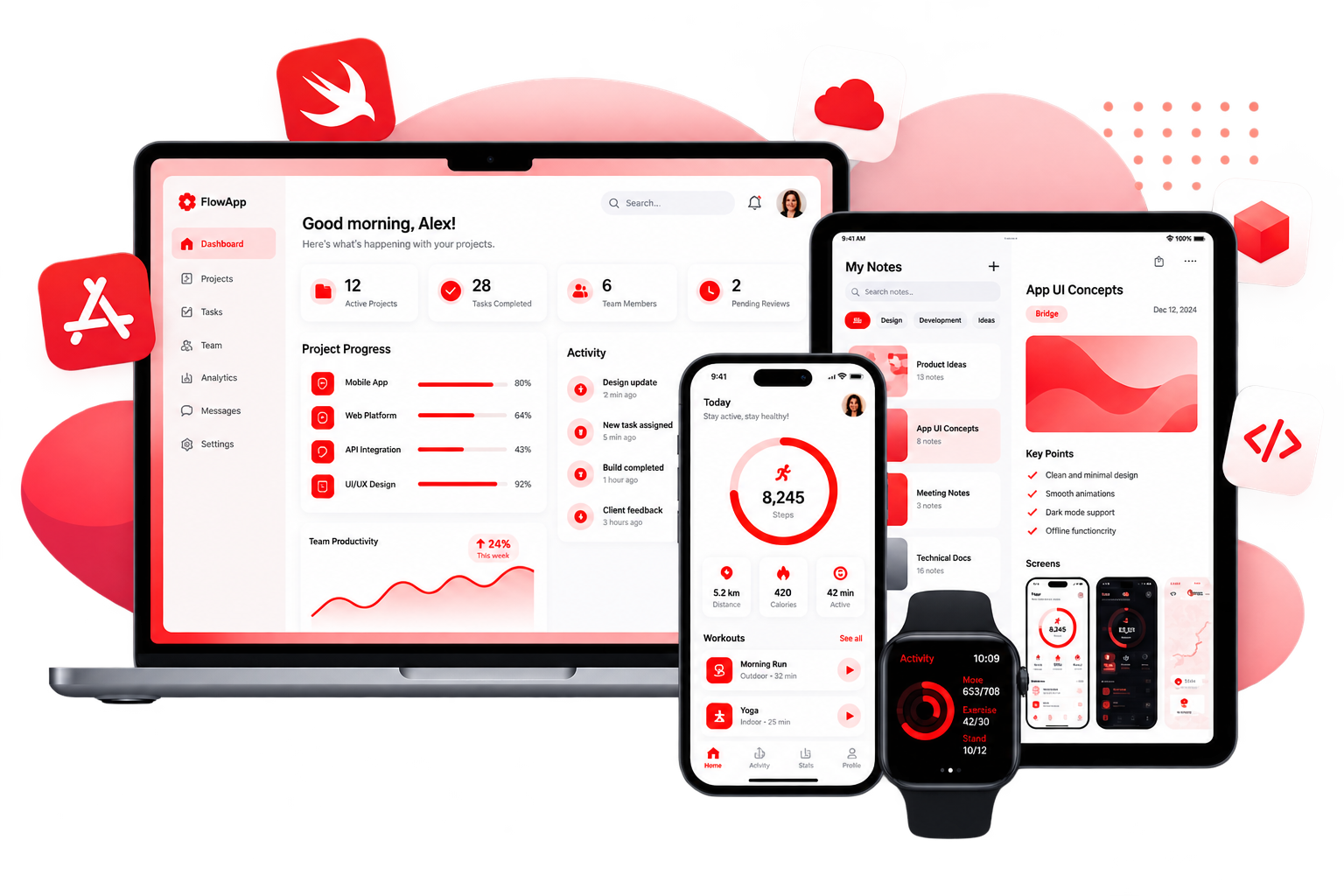
We build with Apple's platform conventions in mind, creating interfaces that feel familiar, responsive and consistent across iOS devices.

Fast, Stable & Offline-Ready
Native Swift architecture, efficient data handling and smart caching help keep your application responsive across different connectivity conditions.
APIs, Payments, Camera & Push
Connect your application with REST APIs, GraphQL, payment providers, CRMs and device capabilities including camera, location, biometrics and notifications.

App Store Submission & Updates
Prepare TestFlight builds, App Store releases and ongoing updates as your product and iOS platform evolve.
App Store-Ready Development
From TestFlight to App Store

Review & Guideline Compliance
Build with App Store requirements, privacy considerations and platform conventions in mind.

Security & Privacy
Use secure API communication, appropriate data storage and privacy-conscious development practices.

TestFlight & Staged Releases
Test builds on real devices, identify issues and prepare controlled releases before launch.

Post-Launch Maintenance
Handle iOS updates, bug fixes, compatibility changes and new feature releases.
Modern iOS Technology Stack
Technologies We Work With
Swift

SwiftUI

UIKit

Core Data

REST & GraphQL

Push Notifications

Camera & Media

CI/CD & TestFlight
From Concept to App Store
Step 1
Discover
Define users, features, integrations and technical requirements.
Step 2
Design & Prototype
Create user flows, wireframes and interactive prototypes before development.
Step 3
Build & Test
Develop the application, test on real devices and prepare TestFlight releases.
Step 4
Launch & Support
Manage App Store submission, release and ongoing product updates.
App Success Story

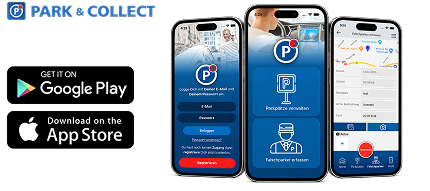
Park & Collect
Native Mobile App Development · Germany
100,000+ app downloads
Camera & booking features
Native iOS application
We developed the native iOS app for Park & Collect, enabling users to register parking spaces, photograph violations and submit reports through a streamlined mobile experience.
Related App Services
Android App Development
Build native Android applications with Kotlin and Jetpack Compose.
Explore Android App Development
Cross-Platform & PWA Development
Build mobile and web experiences from a shared codebase.
Explore Cross-Platform DevelopmentApp Maintenance & Support
Keep your mobile application updated, secure and reliable after launch.
Explore App MaintenanceUI/UX & Figma to App
Turn approved designs into production-ready mobile applications.
Explore UI/UX & Figma to App
Do you build native iOS apps?
Yes. We develop native iOS applications using Swift, SwiftUI and UIKit where appropriate.
Can you help with App Store submission?
Yes. We support TestFlight preparation, App Store submission requirements, release management and post-launch updates.
Can you integrate an iOS app with an existing backend?
Yes. We can connect iOS applications with REST APIs, GraphQL, WordPress, SaaS platforms and custom backend infrastructure.
SwiftUI or UIKit—which do you use?
We use SwiftUI for modern applications and features where appropriate, while UIKit remains useful for legacy compatibility and specific platform requirements.
Can you maintain an existing iOS app?
Yes. We can take over existing iOS codebases and provide updates, bug fixes, compatibility work and ongoing feature development.
Do you work with agencies?
Yes. Agencies and product teams can work with Black Cap IT for iOS development, white-label delivery and ongoing technical support.
Ready to Build Your iOS App?
From product concept to App Store release, get the technical expertise needed
to build and evolve your mobile product.
to build and evolve your mobile product.