Custom Plugin Development
Build WordPress and WooCommerce plugins tailored to your business—secure, performant, and built to WordPress coding standards, not plugin bloat.
Built for Your Logic.
WordPress · WooCommerce · APIs
Custom features
Integrations
Admin tools
WooCommerce
REST API
Refactoring
Purpose-built plugins that do exactly what your site needs.
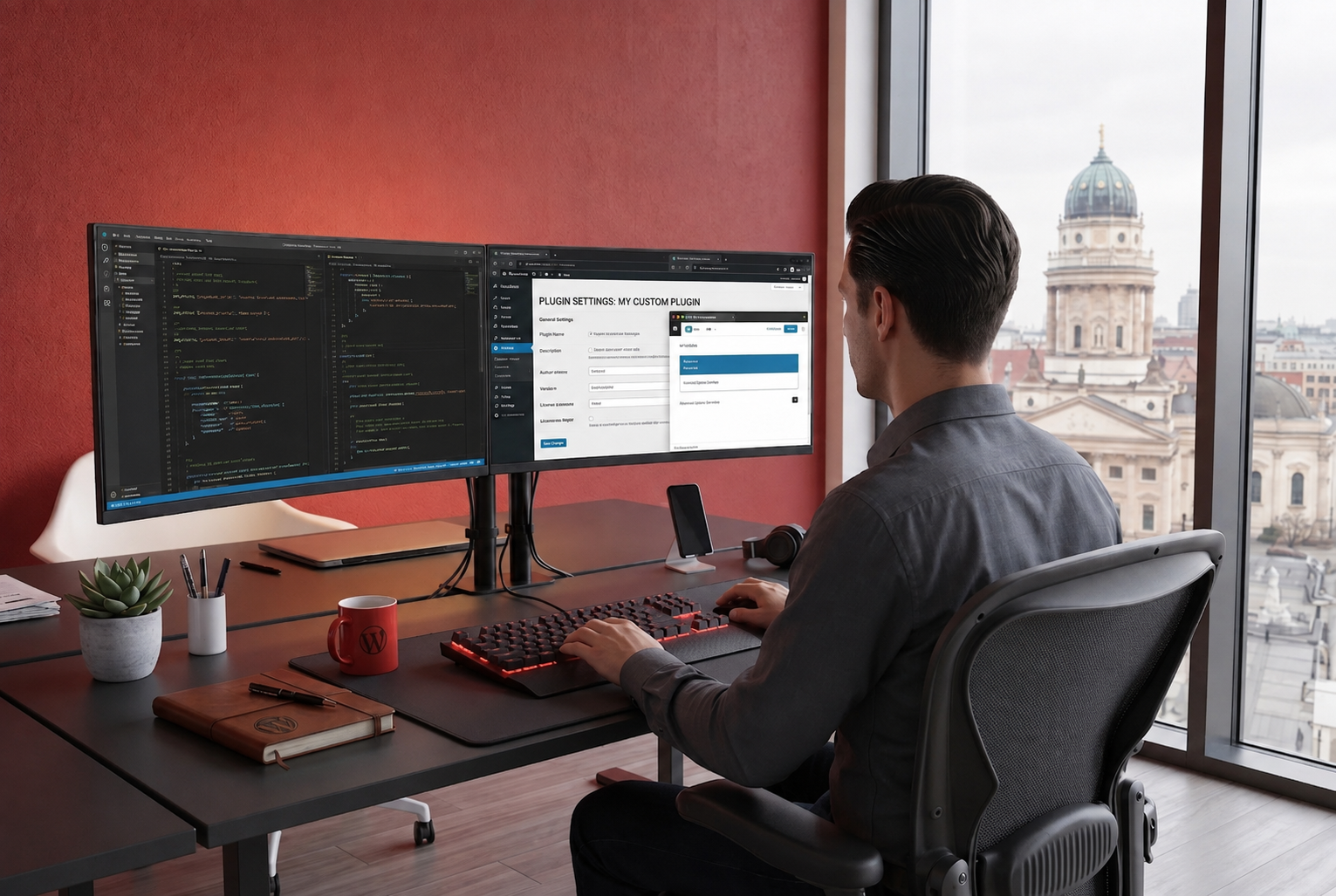
Scope
Requirements-first
Code
Secure & lean
Our approach
Plan · Build · Test · Support
WordPress-native plugins designed for maintainability and scale
Experience
15+ yrs
Plugins
Custom built
Standards
WP best practice
Trusted by Businesses Worldwide





When Off-the-Shelf Isn't Enough.
Generic plugins pile on features you don't need, create conflicts, and slow your site, while still missing the exact workflow your business requires.
We design and build custom WordPress and WooCommerce plugins around your requirements. Clean code, secure architecture, and functionality that fits your stack without compromise.
Plugin Development Services
From bespoke WordPress features to WooCommerce extensions and third-party integrations, we build what your site actually needs.

Custom WordPress Plugins
Purpose-built plugins for admin workflows, content models, automation, and business logic that off-the-shelf tools can't handle.

WooCommerce Extensions
Custom checkout flows, product logic, pricing rules, and store features tailored to how your eCommerce business operates.
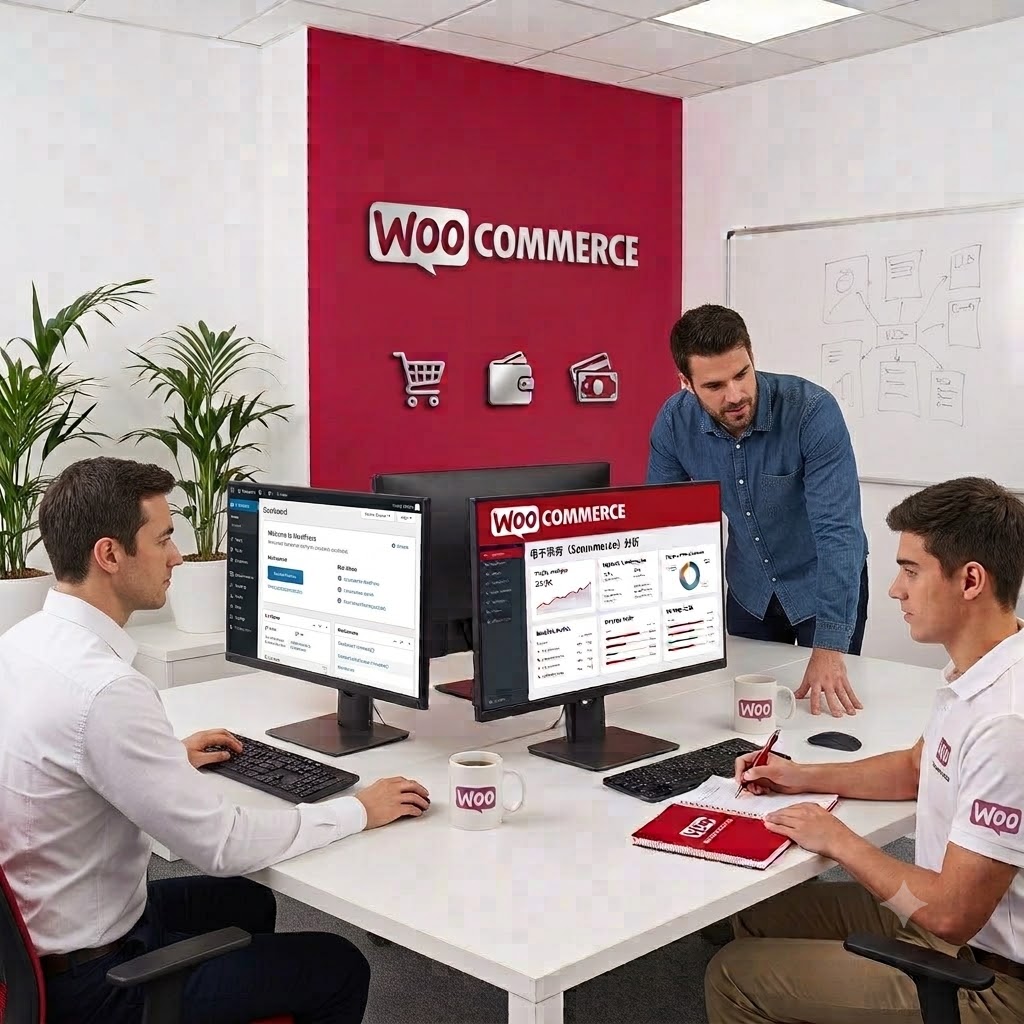


API Integrations
Connect WordPress to CRMs, payment platforms, ERPs, marketing tools, and internal systems with reliable two-way data sync.
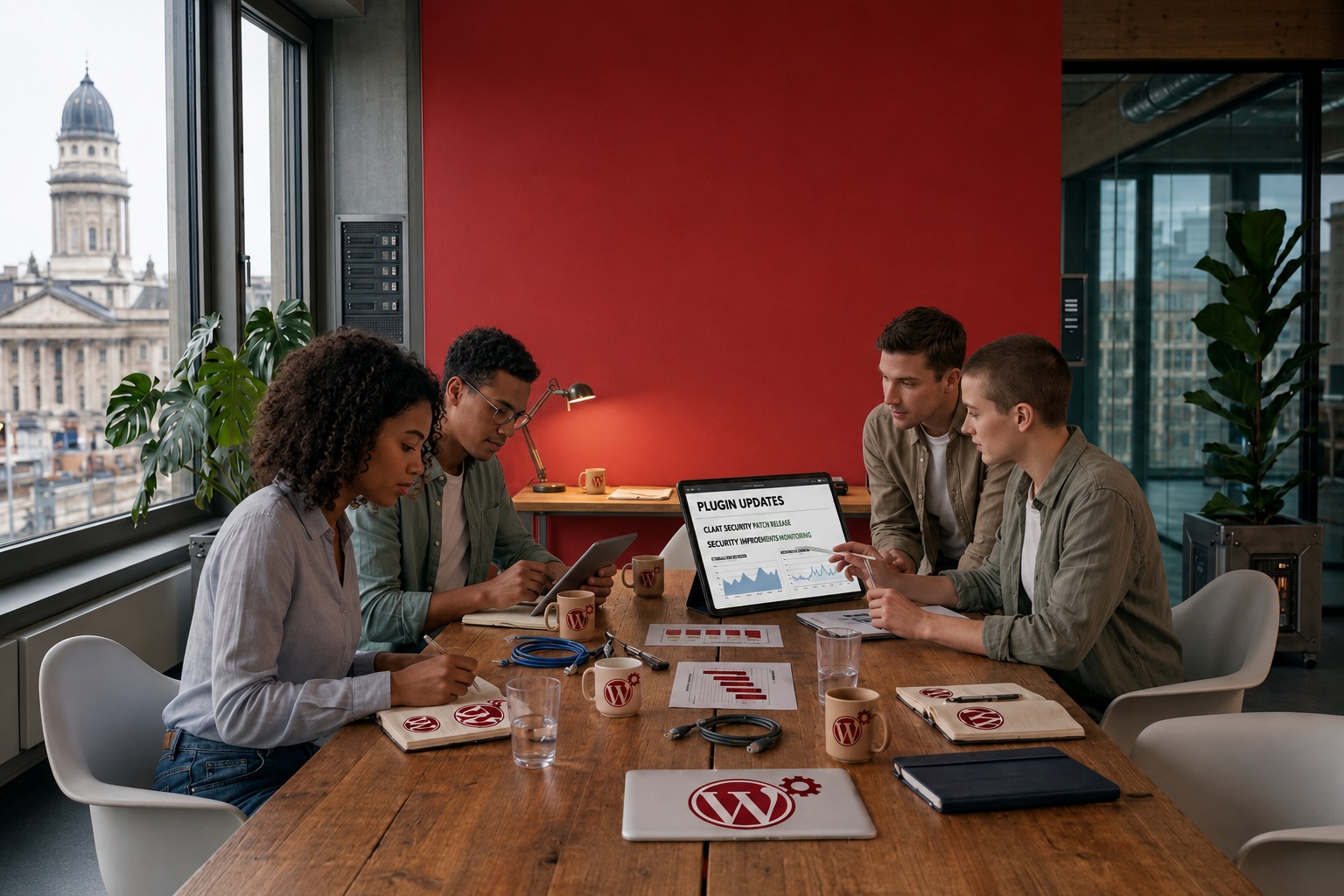

Plugin Audits & Refactoring
Review bloated or outdated plugins, reduce conflicts, improve performance, and rebuild fragile code on solid foundations.

Admin Dashboards & Tools
Custom admin panels, reporting views, and internal tools that make content and operations easier for your team.



Maintenance & Support
Ongoing updates, compatibility fixes, and feature enhancements as WordPress, WooCommerce, and your business evolve.
Why Generic Plugins Fall Short
Most WordPress sites rely on a patchwork of plugins until performance, security, and maintainability start breaking down.

Feature Overload
Off-the-shelf plugins bundle dozens of features you never use, adding weight, complexity, and admin clutter to every environment.

Security & Conflict Risk
More plugins mean more attack surface and more chance of updates breaking your site, especially when vendors move at different speeds.
Workflow Gaps
Generic tools force your team to adapt to the plugin. Custom development adapts the plugin to how your business actually works.

Technical Debt
Workarounds, hooks on hooks, and abandoned plugins stack up silently, until a WordPress update brings everything to a halt.
How We Build Plugins the Right Way
A disciplined process that starts with your requirements and delivers secure, maintainable code.

Requirements-First
We map business logic, user flows, and integration points before writing code, so the plugin solves the right problem from day one.

WordPress Standards
Built with coding standards, hooks, and architecture patterns that play nicely with themes, caching, and future WordPress updates.

Secure by Design
Sanitization, capability checks, and nonce validation are built in.

Agency-Ready Delivery
Clean documentation, white-label friendly handoffs, and code your team can maintain long after deployment.
A Clear Path From Idea to Production
A structured process that takes you from requirements to a deployed, supported plugin.
Step 1
Discover
Define requirements, user flows, integrations, and success criteria with your team.
Step 2
Architect
Plan plugin structure, data models, hooks, and compatibility with your existing stack.
Step 3
Build
Develop, review, and iterate with regular check-ins and staging environment testing.
Step 4
Test & Deploy
QA across environments, deploy safely, and validate functionality with real users.
Step 5
Maintain
Provide updates, compatibility fixes, and feature enhancements as your needs grow.
Built for Purpose, Designed to Last
Every type of custom functionality we build are mapped to real WordPress and WooCommerce use cases.
Custom Post Types
Structured content models, taxonomies, and admin workflows tailored to your content strategy.
REST API Endpoints
Custom endpoints and authenticated API access for headless setups, apps, and external services.

Webhooks & Events
Trigger actions in external systems when content, orders, or user events occur in WordPress.

Payment Gateways
Custom gateway integrations and checkout logic for region-specific or proprietary payment flows.

CRM & ERP Sync
Bi-directional sync with Salesforce, HubSpot, Zoho, and internal business systems.
Admin Dashboards
Custom reporting panels, bulk tools, and operational views for your internal teams.
WooCommerce Hooks
Product rules, cart logic, subscription flows, and checkout customizations built on WooCommerce APIs.

Gutenberg Blocks
Custom block editor components that give content teams flexible, on-brand building blocks.

Multisite Support
Network-aware plugins for agencies and enterprises running WordPress multisite environments.

Migration Tools
Import/export utilities and data migration plugins for platform moves and system upgrades.
When Custom Plugins Become a Business Advantage
The right plugin simplifies operations, reduces risk, and gives your site room to grow.

Exact Functionality
Build only what you need. No feature bloat, no unused settings, no paying for capabilities.

Leaner Stack
Replace multiple generic plugins with one purpose-built solution, fewer conflicts, faster loads, easier updates.

Scalable Foundation
Extend and maintain your plugin as requirements evolve without rebuilding from scratch every time the business grows.
Plugin Success Story
Featured Partnership
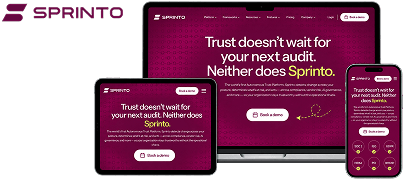
Sprinto Trust Vault
All-in-one compliance resource hub, built on WordPress with custom plugin functionality.
Searchable resource library
Framework & category filters
Interactive compliance tools
Custom WordPress Development · Global SaaS
Client: Sprinto · 4+ year partnership
Client: Sprinto · 4+ year partnership
All things security. One place.
Sprinto needed a centralized compliance resource hub on their WordPress site—where teams could discover blueprints, free tools, policy templates, prep kits, and framework guides without digging through scattered pages or PDFs.
Working as Sprinto's long-term WordPress partner, we built and extended Trust Vault with searchable resource libraries, category and framework filters, interactive calculators, and structured content spanning ebooks, webinars, case studies, and compliance prep kits.
Related Services
WordPress Development
Custom websites built for performance and scale.
Speed Optimization
Improve Core Web Vitals and site performance.
WordPress Maintenance
Keep plugins updated, secure, and compatible.
WooCommerce Development
Extend your store with custom eCommerce features.
White-Label WordPress
Scale your agency with a trusted dev partner.
Dedicated Developers
Scale your development team on demand.

Do you build plugins from scratch?
Yes. We design and develop custom WordPress and WooCommerce plugins from the ground up—scoped to your exact requirements, not adapted from generic templates.
Can you extend or fix existing plugins?
Yes. We audit, refactor, and extend existing plugins—improving performance, fixing conflicts, and adding features without destabilizing your site.
Do you follow WordPress coding standards?
Absolutely. All plugins are built to WordPress and WooCommerce coding standards—with proper sanitization, capability checks, and maintainable architecture.
Can you integrate with third-party APIs?
Yes. We integrate with CRMs, payment gateways, ERPs, marketing platforms, and custom internal APIs—handling authentication, webhooks, and error handling properly.
Do you offer white-label plugin development?
Yes. Agencies partner with us to deliver custom plugin work under their brand—with clean handoffs, documentation, and code they can confidently present to clients.